
The XY Plotter V2.0+ Laser Engraver Upgrade Pack is a high-precision and multi-functional drawing machine that can achieve laser engraving and cutting of materials such as wood, acrylic, paper, and fabric. The product is equipped with a 500mW blue-violet semiconductor laser, and laser safety precautions should be taken when using it.
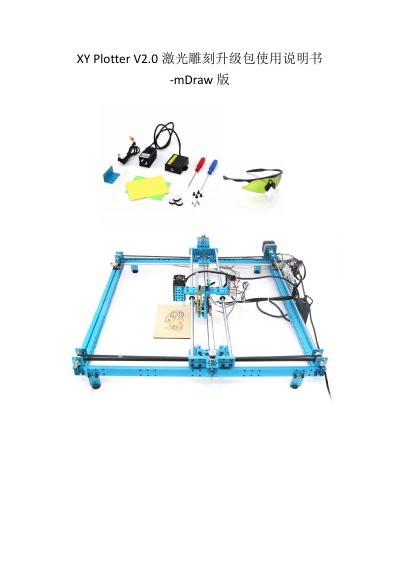
This document is the user manual for the Makeblock XY Plotter V2.0 Laser Engraver Upgrade Pack. It details the necessary hardware and software preparations, including the mDraw application and Inkscape. The guide covers the step-by-step assembly process to convert the standard XY Plotter into a laser engraving machine. This manual is written in Chinese.
| Laser Wavelength | 405nm |
|---|---|
| Laser Power | 500mW |
| Operating Voltage | DC 12V |
| Maximum Engraving Area | 300mm x 350mm |
| Engraving Precision | 0.1mm |
The machine can engrave or cut wood, opaque acrylic, paper, foam paper, dark fabrics, and leather.
Do not engrave aluminum, stainless steel, mirrors, glass, or ceramics due to high melting points or reflectivity.
Turn the current limit knob on the stepper motor driver clockwise to increase output torque.
A large spot size causes insufficient energy concentration, making it impossible to engrave the material effectively.