
This manual provides instructions for pairing, calibrating, upgrading, and charging the Makeblock Tongxiaodian robot and its controller, Tongxiaoke.
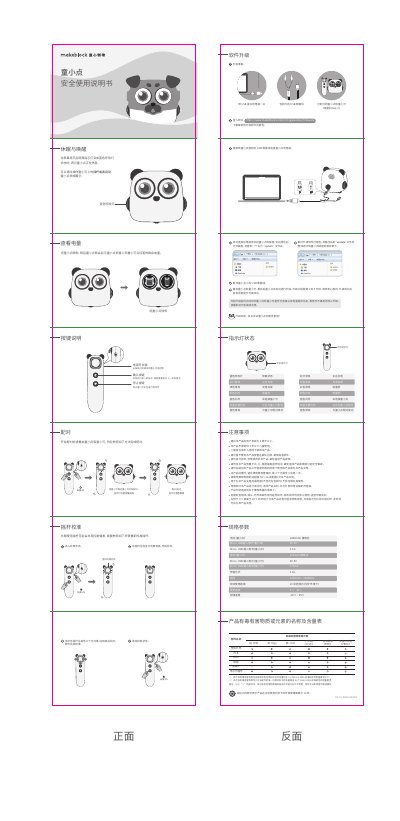
This document serves as a safety and usage guide for the Makeblock Tongxiaodian intelligent robot and its accompanying device, Tongxiaoke. It details the pairing process between the two devices, explains how to calibrate the joystick for accurate control, and describes the procedure for software upgrades via USB connection to a computer. The guide also covers battery management, including how to check remaining power and proper charging protocols. This manual is written in Chinese.
| Battery Capacity (Tongxiaodian) | 1800mAh |
|---|---|
| Input Voltage (Tongxiaodian) | DC 5V |
| Input Current (Tongxiaodian) | 1.5 A |
| Battery Capacity (Tongxiaoke) | 300mAh |
| Input Current (Tongxiaoke) | 270mA |
| Transmission Frequency | 2.4G |
| Effective Range | 10 meters |
| Operating Temperature | 0°C ~ 40°C |
Restart both devices, bring the Tongxiaoke close to the Tongxiaodian, and wait until the indicator lights flash red and blue alternately before turning solid blue.
The blue breathing light indicates that the Tongxiaodian robot is currently in sleep mode.
The recommended adapter is a 5V / 2A adapter.
The upgrade process takes between 3 to 5 minutes.