
This document is a user manual for Makeblock products by Shenzhen Maker Works Technology Co., Ltd., providing safety instructions and features of the products.
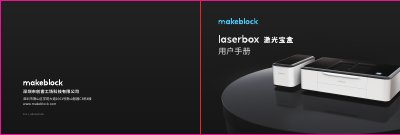
The document serves as a user guide for the Makeblock LaserBox (models KD010098000 / KD010217000). It covers essential safety protocols, including warnings about laser operation, fire hazards, and prohibited materials like PVC. The manual details the contents of the package and provides step-by-step instructions for connecting the device to a computer via USB, Ethernet, or Wi-Fi using the Laserbox software. This manual is written in Chinese.
| Max Cutting Size (L x W) | 500 * 300 mm |
|---|---|
| Max Material Thickness | 22 mm |
The device must operate within a temperature range of 5°C to 25°C.
No, users are advised not to process plastic containing PVC as it produces harmful corrosive vapors.