
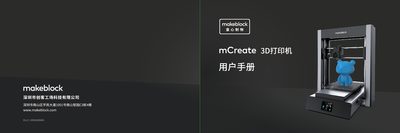
This manual begins with essential safety information, emphasizing the use of the supplied power cable, proper grounding, and protective equipment when operating the mCreate. It also outlines assembly requirements, component lists, and the correct installation of the 3D‑printing or laser head.
The guide then details software installation (Ultimaker Cura with Makeblock plugin for 3D printing, Laserbox for laser engraving), smart work‑mode recognition, step‑by‑step printing and engraving procedures, nozzle‑clog clearing methods, and warranty terms, including parts covered and service conditions. This manual is written in Chinese.
You need Ultimaker Cura software together with the Makeblock plugin.
When a clog is detected, follow the on‑screen prompts to unload filament, cool the nozzle, and use a cleaning needle to push out the blockage.
Use only the power cable supplied by Makeblock and avoid using the device in wet or rainy conditions.
Major components are covered for the warranty period, while consumables such as the nozzle, laser head, and filament are covered for three months.