
This user guide explains how to install batteries, switch between Master and Slave Bluetooth modes, and connect the controller to Makeblock robots like mBot…
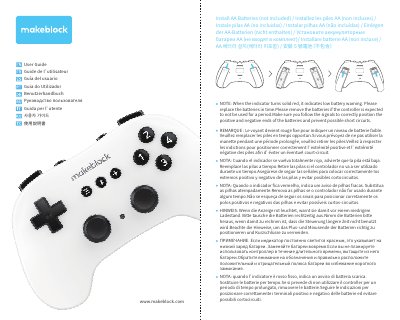
This document serves as a multilingual user guide for the Makeblock Bluetooth Controller. It provides essential instructions on battery installation and safety precautions, noting that the indicator turning solid red signals a low battery warning. Users are advised to remove batteries if the device will not be used for an extended period to prevent short circuits.
The guide details two primary Bluetooth modes: Master mode, used for controlling robots such as mBot, mBot Ranger, Codey Rocky, and Airblock, and Slave mode, used for controlling sprites on the mBlock stage. It specifies that the controller automatically reverts to Master mode upon every restart. The text also outlines the connection process, which involves powering on the robot, connecting it to a computer via USB or a Makeblock Bluetooth dongle, and using the mBlock software to establish a link.
It indicates a low battery warning, and the batteries should be replaced in time.
It is compatible with Makeblock robots that have a Bluetooth block, such as mBot, mBot Ranger, Codey Rocky, and Airblock.
The controller switches back to the master mode every time it is restarted.