
The user manual statement from Makeblock Co., Ltd. (Shenzhen) reminds users to read all accompanying materials before installing and using the product to improve their experience. Makeblock Co., Ltd. (Shenzhen) is not responsible for any loss resulting from failure to use the product according to the instructions, except for losses due to improper installation or operation by Makeblock professional maintenance personnel.
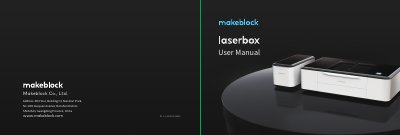
This document serves as the user manual for the Makeblock Laserbox, covering essential safety protocols, product components, and initial setup procedures. It details how to connect the smart smoke purifier and establish a link with a computer via USB, Wi-Fi, or Ethernet. The guide also explains the startup process and the function of the annular indicator lights. This manual is written in Chinese.
| Maximum cutting dimensions | 500 (length) * 300 (width) * 22 (thickness) mm |
|---|---|
| Operating temperature range | 5 °C to 25 °C |
Do not engrave or cut any material containing PVC or vinyl, as they generate corrosive vapor harmful to the human body and the device.
A solid white indicator means the system has completed startup and is ready.