
StarTech.com SV831DUSBU 8 Port 1U Rack Mount VGA USB KVM Switch User Manual

This manual covers the installation, operation, and configuration of the StarTech.com SV831DUSBU 8-port 1U Rack Mount VGA USB KVM Switch with OSD.
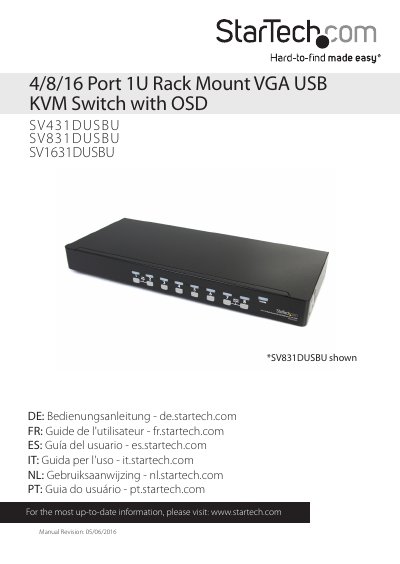

StarTech.com SV831DUSBU 8 Port 1U Rack Mount VGA USB KVM Switch User Manual - cover page
Brand
StarTech.com
Category
Other Electronics
Document type
User Manual
Language
English
Pages
19
File format
PDF
File size
761 KB
Published
26 October, 2026
Updated
26 October, 2026
MD5 checksum
F73089BE03B84A7DA3F2D06B30EBF3F5

About this manual

The StarTech.com SV831DUSBU is a 1U rack-mountable USB KVM switch designed to control multiple USB-based computers from a single console. It features convenient push-button and hot-key controls, as well as manual and auto-scan switching modes. The device includes an On Screen Display (OSD) for additional control options and is designed to fit neatly into server equipment racks.

What's inside

  • Introduction
  • Packaging Contents
  • System Requirements
  • Hardware Installation
  • Connecting Computer to the KVM Switch
  • Cascaded configurations
  • Operation
  • OSD (On Screen Display) Operation
  • Hot-key commands
  • Specifications

Frequently asked questions

What is the maximum number of computers that can be controlled in a cascaded configuration using all 8-port switches?

The maximum number of computers controlled by a Master/Slave configuration with all 8-port KVM switches used is 64.

How many 6 ft 2-in-1 USB VGA KVM cables are included in the packaging for the 8-port model?

The packaging for the 8-port model includes 8 x 6 ft 2-in-1 USB VGA KVM cables.

What is the required procedure to reconfigure the whole system without turning off the KVM switch?

Press down buttons 1 and 2 simultaneously for 2 seconds to reconfigure the whole system.

Download PDF (761 KB)

More StarTech.com Manuals


View all StarTech.com manuals →