
Installation and user guide for the StarTech.com PEX1PCI1R PCI Express to PCI Riser Card x1, covering system requirements, safety warnings, and specifications.
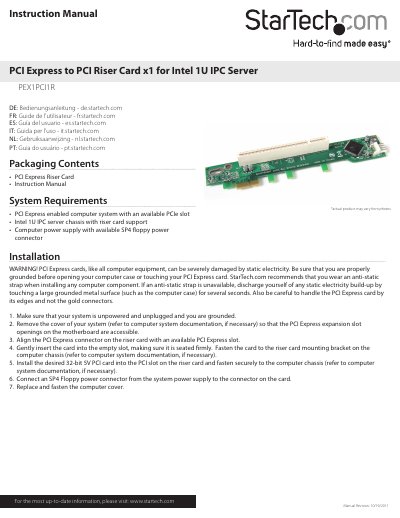
This manual provides instructions for installing the StarTech.com PEX1PCI1R PCI Express to PCI Riser Card x1 in an Intel 1U IPC server chassis. It details the packaging contents, system requirements, and a step-by-step installation process, including safety warnings regarding static electricity and proper grounding.
| Bus Interface | PCI Express (x1 slot connector) |
|---|---|
| Connectors | 1 x 32-bit 5V PCI slot, 1 x SP4 floppy power connector |
| Chipset ID | Pericom PI7C9X111SL |
| Operating Temperature | 0°C ~ 60°C (32°F ~ 140°F) |
| Dimensions | 170.0mm x 27.0mm x 20.0mm |
The system must be a PCI Express enabled computer with an available PCIe slot and an Intel 1U IPC server chassis with riser card support.
An SP4 Floppy power connector from the system power supply must be connected to the connector on the card.
The product is backed by a two year warranty covering defects in materials and workmanship.