
This manual details the installation, usage, and troubleshooting for the StarTech.com CB2U2F CardBus card, which adds USB 2.0 and FireWire ports to laptops.
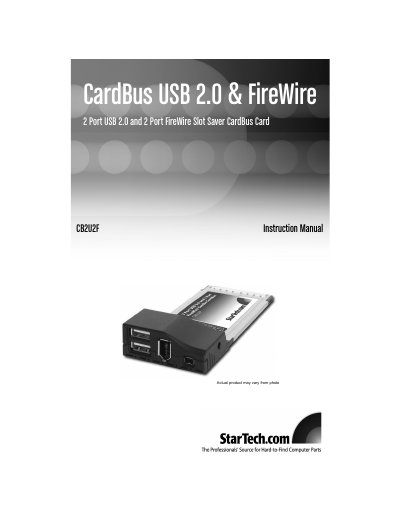
The StarTech.com CB2U2F is a CardBus expansion card designed to add two USB 2.0 ports and two IEEE-1394a (FireWire) ports to compatible laptop computers. It supports Plug and Play installation, hot-swapping of peripherals without rebooting, and is backwards-compatible with USB 1.0/1.1 devices.
| Form Factor/Interface | CardBus, 32-bit (Type II) |
|---|---|
| Standards Supported | IEEE-1394/IEEE-1394A(FireWire 400) USB 2.0 |
| Maximum Data Transfer Rate (FireWire) | 400 Mbits/sec. |
| Maximum Data Transfer Rate (USB) | 480 Mbits/sec. |
| Connectors | 1 x 6-pin FireWire female, 1 x 4-pin FireWire female, 2 x 6-pin USB Type A female |
| Operating System Support | Windows 98SE/ME/2000/XP/2003, MacOS X |
Yes, the card has hot-swap capabilities that allow you to add or remove USB 2.0 or IEEE-1394a FireWire devices without turning off your computer.
This is due to the FAT32 file system limit of 3.99 GB used by Windows 98 and some installations of Windows 2000/XP; converting to NTFS or upgrading the OS can resolve this.
Ensure that DMA (Direct Memory Access) is enabled for your IDE hard disks, as this access is required to prevent frame dropping.