
This manual introduces the specifications, models, functions, and operation methods of the electric actuator teaching box LEC-T1 Series.
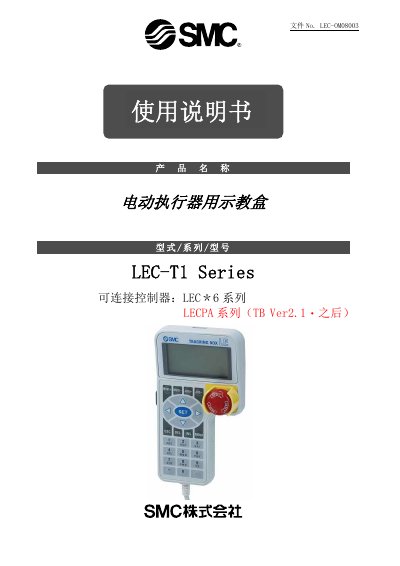
This Japanese user manual (document No. LBC-OMO8003) covers the SMC LEC-T1 Series teaching box, a handheld unit used with LECx6 series controllers and with LECPA series controllers from TB Ver2.1 onward. It opens with safety precautions and warranty/usage conditions, then describes the teaching box specifications and hardware specifications, the connection procedure, and how to switch between easy mode and standard mode.
The main part explains how to set step data and parameters, and describes the functions available in each mode: monitor, step data, parameter, test, monitoring/control, alarm, file and TB setting. A table lists the differences between TB Ver1.* and TB Ver2.* teaching boxes, and the closing chapters give precautions for the controller and peripheral equipment, wiring and power supply notes, troubleshooting for faults, and a procedure for changing the display language. This manual is written in Japanese.
It connects to LECx6 series controllers and to LECPA series controllers from TB Ver2.1 onward.
No. Test operation cannot be used with LECPA, and from TB Ver2.1 the test item is not displayed.
In easy mode, select Setting and change Language to Japanese; in standard mode, change Language in TBsetting.
One year after start of use, or 1.5 years after delivery.