
This is a user manual for the Nighthawk AC1750 Smart WiFi Router. It describes the hardware setup, features, and usage of the router.
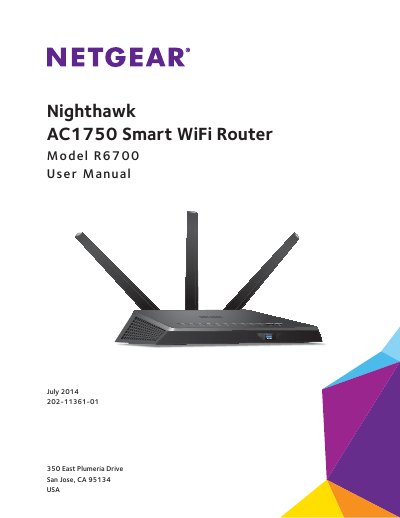
This manual provides comprehensive instructions for setting up and using the NETGEAR Nighthawk AC1750 Smart WiFi Router, Model R6700. It guides users through unpacking the device, attaching antennas, and connecting to the network via wired or wireless methods. The guide details how to access the router's web interface to configure internet settings, optimize performance with Quality of Service (QoS), and manage security features like parental controls and guest networks.
| Processor | dual-core 1 GHz |
|---|---|
| USB Port | USB 3.0 |
| Antennas | 3 |
Locate the serial number on the product label and register it at https://my.netgear.com before using telephone support.
NETGEAR recommends positioning the center antenna vertically and aiming the other two outward at 45-degree angles.
Use the free NETGEAR ReadySHARE Vault app to back up Windows computers to a USB hard drive connected to the router.
A solid amber Power LED indicates that the router is starting up.