
EX600-SEN configuration manual
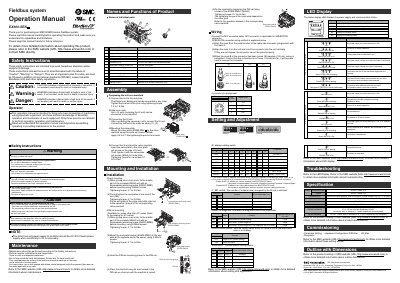
This document is the operation manual for the SMC EX600-SEN TX Fieldbus system. It details the configuration of the system, including IP address settings, LED status indicators, communication parameters, and diagnostic modes. The manual is intended for users with knowledge of pneumatic equipment assembly and maintenance. This manual is written in Chinese.
| Power supply | 24 VDC Class2, 2 A |
|---|---|
| Operating temperature range | -10 to 50 oC |
| Storage temperature range | -20 to 60 oC |
| Vibration resistance | 147 m/s2 3 times each in directions of X, Y and Z respectively |
The default IP address setting is 192.168.0.254.
The HOLD/CLEAR switch sets the output status when the fieldbus has a communication error or is in idling.