
This document is the user manual for the NETGEAR WGT634U Wireless Media Router.
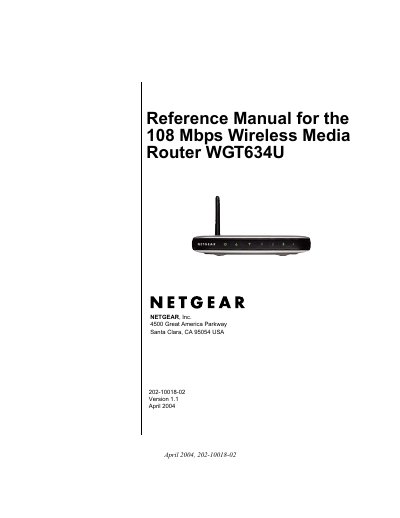
This manual provides step-by-step instructions for installing and configuring the NETGEAR WGT634U Wireless Media Router. It covers connecting to the internet, setting up wireless networks, securing the router with WEP, using USB drives for file sharing, and managing content filtering. The guide also includes troubleshooting tips and firmware upgrade procedures.
The router supports 802.11g wireless networking, includes a built-in firewall with content filtering, and allows remote access via USB or FTP. It is designed for home and office use in EU and EFTA member states, with compliance certifications for electromagnetic compatibility and safety standards.
| Wireless Speed | 108 Mbps |
|---|---|
| Wireless Standard | 802.11g |
| Frequency Band | 2.4 GHz |
| Max Transmit Power | 100mW EIRP |
Connect the router to your modem using an Ethernet cable, then use the Setup Wizard to configure your internet connection (PPPoE, Dynamic IP, or Fixed IP).
Log in to the router’s web interface, navigate to the Upgrade menu, and follow the prompts. Do not interrupt the process.