
This document is the user manual of Dymo ® LabelWriter ® printer
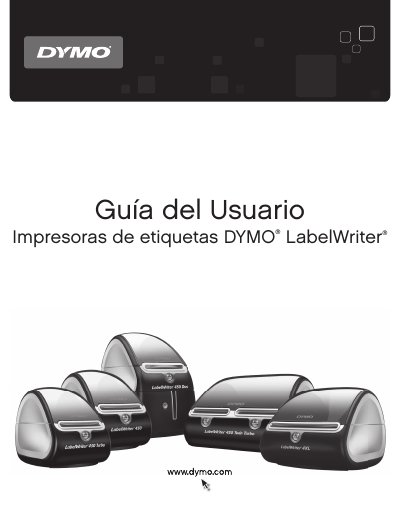
This manual provides instructions for using and maintaining DYMO LabelWriter label printers. It covers safety precautions, printer features, system requirements, label printing, maintenance, and troubleshooting. The manual applies to multiple LabelWriter models including 450, 450 Turbo, 450 Twin Turbo, 450 Duo, 4XL, and SE450. It also includes technical specifications and environmental information. This manual is written in Spanish.
| Printing Method | Thermal direct |
|---|---|
| Print Resolution | 300 dots per inch (11.8 dots per mm) |
| Print Speed | 51 to 71 labels per minute |
| Maximum Print Width | 56 mm (2.25 inches) |
| Maximum Support Width | 62 mm (2.44 inches) |
| Interface | USB 2.0 |
| Dimensions | 124 mm (4 ⅞ in) x 146 mm (5 ¾ in) x 184 mm (7 ¼ in) |
| Weight | 0.68 kg (1.5 lbs) |
| Power Requirement | 24 V DC, 1.75 A |
| Certifications | CE, FCC, TUV CB, cTUVus, TUV GS, C-Tick |
The printer supports Windows® XP (32-bit), Windows Vista®, Windows® 7, and Mac OS® v10.4 or later. The LabelWriter SE450 also supports RS-232 serial connections.
The print resolution is 300 dots per inch (11.8 dots per mm).
The printer comes with a limited two-year warranty.