
The document is about a new label maker, which includes information about product registration, getting started, formatting labels, editing text, and troubleshooting.
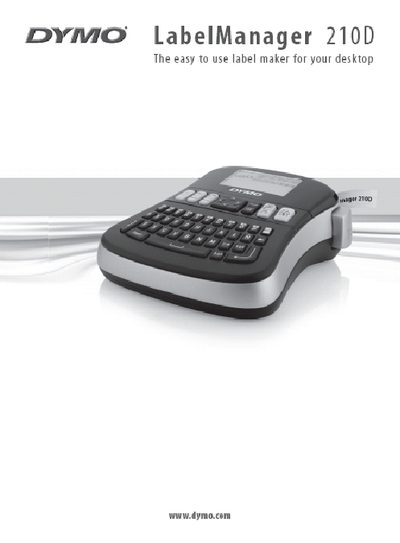
This manual introduces the DYMO LabelManager 210D label maker, describing its features, battery and optional AC power options, and the DYMO D1 tape cassettes it uses. It guides you through initial setup, including inserting batteries, connecting an optional 9 V power adapter, and loading a tape cassette.
The guide then covers everyday use such as creating and formatting labels, using symbols, adjusting print contrast, and saving labels. It also includes troubleshooting tips, customer support contact information, and safety notes.
| Battery type | Six high‑capacity AA alkaline batteries |
|---|---|
| Optional AC power adapter | 9 V, 1.5 A |
| Auto power‑off timer | 2 minutes of inactivity |
| Compatible tape cassette | DYMO D1 tape cassettes, 6 mm, 9 mm, or 12 mm width |
It uses six high‑capacity AA alkaline batteries.
The label maker works with DYMO D1 tape cassettes in widths of 6 mm, 9 mm, or 12 mm.
It automatically turns off after two minutes of inactivity.
Yes, an optional 9 V, 1.5 A power adapter can be used and will disconnect the batteries.