
Introduces how to download and register the software, as well as connect the printer
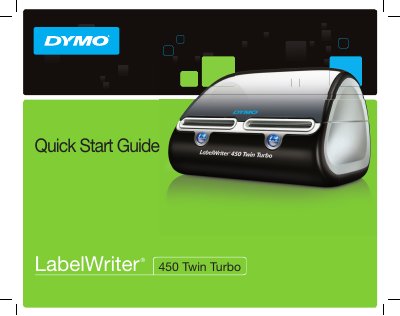
This guide helps you set up and use the DYMO LabelWriter 450 Twin Turbo printer. It includes instructions for connecting the printer to your computer, loading label rolls, and installing the DYMO Label software. It also explains how to print postage using DYMO Stamps and outlines warranty and support options.
The guide is designed for first-time users and provides step-by-step instructions for connecting the printer, installing software, and using the printer with DYMO-branded labels.
The serial number is located on the bottom of the printer.
You need DYMO Label software and your LabelWriter printer installed before installing the DYMO Stamps software.