
LabelManager®210D User Guide, introduces the features and usage of LabelManager®210D
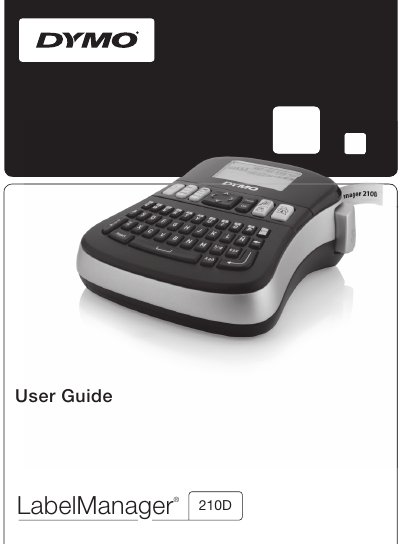
The DYMO LabelManager 210D is an electronic label maker that uses DYMO D1 tape cassettes in widths of 6 mm, 9 mm, or 12 mm. It is powered by six high-capacity AA alkaline batteries or an optional 9 Volt AC power adapter. The device features a graphical LCD display and allows users to create labels with various font sizes, styles, borders, and underlines.
| Tape Cassette Widths | 6 mm (1/4"), 9 mm (3/8"), or 12 mm (1/2") |
|---|---|
| Power Source | Six high-capacity AA alkaline batteries |
| Optional Power Adapter | 9 Volt, 1.5 A |
| Font Sizes | Extra Small, Small, Medium, Large, Extra Large, and Extra Extra Large |
| Font Styles | Six different font styles |
| Memory Capacity | Up to nine frequently-used labels |
The label maker uses DYMO D1 tape cassettes in widths of 6 mm (1/4"), 9 mm (3/8"), or 12 mm (1/2").
You can save up to nine frequently-used labels, including text and all formatting.
Yes, you can print a maximum of two lines on labels by typing the first line, pressing the new-line symbol, and then typing the second line.