
The DYMO LabelWriter SE450 user manual explains setup, label loading, system requirements, operation and troubleshooting.
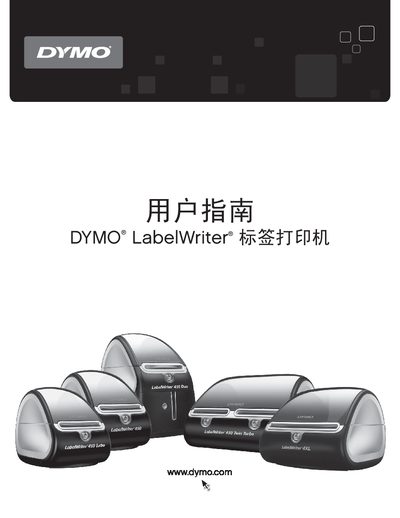
This manual provides detailed instructions for using the DYMO LabelWriter SE450 thermal label printer, including how to load label rolls, connect via USB or RS‑232, and maintain the device. It also covers developer resources and SDK information for custom integration.
Additional sections describe the printer’s technical specifications, power requirements, environmental compliance, warranty details, and how to obtain technical support or provide document feedback. This manual is written in Chinese.