
With the DYMO LabelManager 120P electronic label maker, you can create a wide variety of high-quality, self-adhesive labels. You can choose to print your labels in several different font sizes and styles. The label maker uses DYMO D1 tape cassettes in widths of 9 mm or 12 mm.
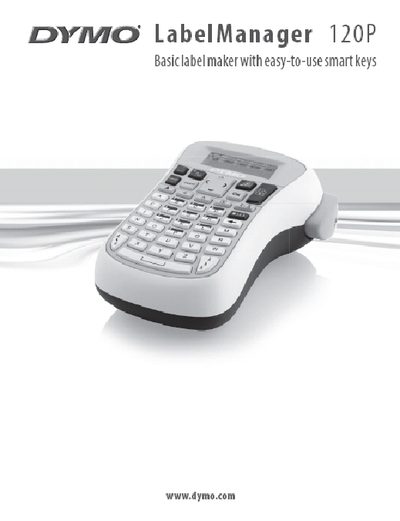
The DYMO LabelManager 120P is an electronic label maker that creates high‑quality self‑adhesive labels using DYMO D1 tape cassettes in 9 mm or 12 mm widths. It is powered by six AA alkaline batteries and features a graphical LCD display that shows up to 13 characters at a time.
This manual guides you through connecting power, inserting tape cassettes, configuring settings, formatting labels, and troubleshooting common issues. It also includes contact information for customer support.
| Power source | Six AA alkaline batteries |
|---|---|
| Auto power‑off | Turns off after 2 minutes of inactivity |
| Tape cassette width | 9 mm or 12 mm (DYMO D1) |
| Maximum characters per label | 99 characters |
| Display capacity | Shows about 13 characters at a time |
Press the power button (©) to turn the device on.