
This document is a user manual of LabelWriter 400
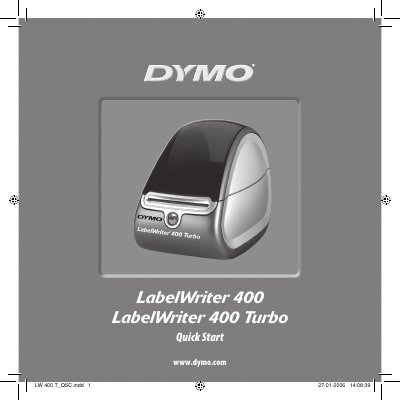
This guide walks you through installing the DYMO LabelWriter 400 printer, connecting it via USB, loading labels, and printing your first label. It includes instructions for Windows and Mac systems, with step-by-step visuals and notes on avoiding common setup errors. The printer uses direct thermal technology and requires only labels as consumables.
It is a direct thermal printer that uses heat to print on labels.
Labels are the only supplies you will ever need to buy.
Insert the label roll onto the spool, adjust the spool guide, and insert the spool into the printer cover.
It indicates the printer is powered on and ready.