
This document is a user manual for Dymo Label Maker 1200
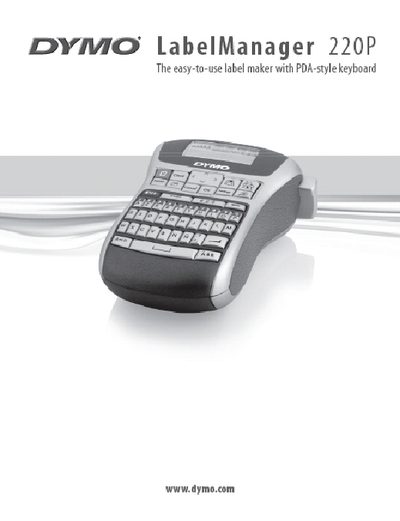
The DYMO LabelManager 220P is an electronic label maker with a PDA‑style keyboard that creates high‑quality self‑adhesive labels using DYMO D1 tape cassettes. It can print in various font sizes and styles and supports tape widths of 6 mm, 9 mm, and 12 mm.
This manual walks you through powering the device with batteries or an optional AC adapter, inserting the tape cassette, navigating the LCD display, formatting and printing labels, and troubleshooting common issues. It also includes product registration information and contact details for customer support.
| Power source | Six high‑capacity AA alkaline batteries |
|---|---|
| Optional power adapter | 9 V, 1.5 A AC adapter |
| Tape cassette width | 6 mm, 9 mm, 12 mm |
| Automatic power‑off | After two minutes of inactivity |
| Display capacity | Up to 99 characters; about 13 visible at a time |