
DYMO ILP219 Industrial Labelprinter User Manual

This manual provides basic operating instructions for the Dymo Industrial Labelprinter ILP219 printer.
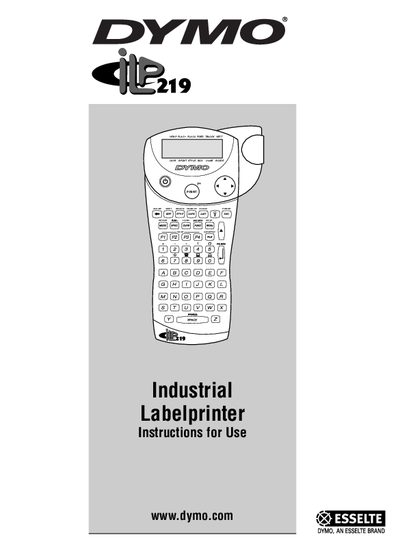

DYMO ILP219 Industrial Labelprinter User Manual - cover page
Brand
DYMO
Category
Other device
Document type
User Manual
Language
English
Pages
40
File format
PDF
File size
1.6 MB
Published
02 May, 2012
Updated
30 September, 2023
MD5 checksum
15FFAC3E41D00B9C70DC9B430B58B4AA

About this manual

The DYMO ILP219 is a thermal‑transfer label printer designed for industrial environments. It prints durable, long‑lasting adhesive labels that can be wrapped around cables, flagged on wires, or applied to components, patch panels and other surfaces. The printer supports text, symbols, barcodes, graphics and multiple label formats.

The manual is divided into two parts: a Printer Manual covering hardware setup, cassette installation, printing modes and label creation, and a Software Manual describing the ILP219 Card Loader software, label set creation, and data import. Safety, FCC compliance, and warranty registration information are also included.

What's inside

  • Unpacking the ILP219 Kit
  • Power Supply Options
  • Installing/Changing the Cassette
  • Printing Your First Label
  • Display and Backlighting
  • Typing Text and Symbols
  • Printing Modes and Label Types
  • Saving Labels and Using Memory Card
  • Adjusting Print Head Temperature
  • Software Installation and Label Creation
Download PDF (1.6 MB)

More DYMO Manuals


View all DYMO manuals →