
This document is the user guide for DYMO LabelWriter label printer.
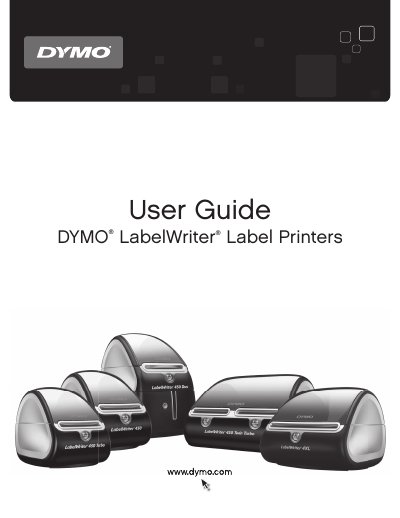
This document serves as the user guide for the DYMO LabelWriter series of thermal label printers, including models 450, 450 Turbo, 450 Twin Turbo, 450 Duo, 4XL, and SE450. It explains that these printers use direct thermal technology, meaning they do not require ink or toner, and details the specific features and components of each model.
| Interface | USB 1.1 or USB 2.0 |
|---|---|
| Operating System (Windows) | Windows XP 32-bit, Vista, 7 |
| Operating System (Mac) | Mac OS v10.4 or later |
| Serial Connection | RS-232 serial port |
| Shelf Life | 18 months |
No, they use direct thermal printing technology and do not use ink or toner.
Only DYMO-branded labels should be used to ensure compatibility and warranty coverage.
The shelf life for LabelWriter labels is 18 months when stored in original packaging.