
Key facts
Start here
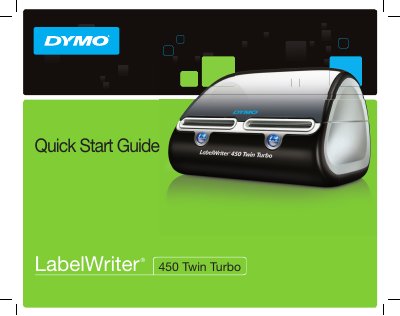
DYMO LabelWriter 450 Twin Turbo Quick Start Guide
This guide helps you set up and use the DYMO LabelWriter 450 Twin Turbo printer. It includes instructions for connecting the printer to your computer, loading label rolls, and installing the DYMO Label software. It also explains how to print postage using DYMO Stamps and outlines warranty and support options.
The guide is designed for first-time users and provides step-by-step instructions for connecting the printer, installing software, and using the printer with DYMO-branded labels.
DYMO 450 Twin Turbo specifications
| Interface | USB 1.1 or USB 2.0 |
|---|---|
| Operating System (Windows) | Windows XP 32-bit, Vista, 7 |
| Operating System (Mac) | Mac OS v10.4 or later |
| Serial Connection | RS-232 serial port |
| Shelf Life | 18 months |
All DYMO 450 Twin Turbo documents by type
Day-to-day operation, settings and troubleshooting. Start here if the product is already set up.
The shortest path to a working setup, usually only a few pages.
Questions answered in these manuals
Do DYMO LabelWriter printers use ink or toner?
No, they use direct thermal printing technology and do not use ink or toner.
What type of labels should be used?
Only DYMO-branded labels should be used to ensure compatibility and warranty coverage.
Where is the serial number located?
The serial number is located on the bottom of the printer.
What software do I need to print postage?
You need DYMO Label software and your LabelWriter printer installed before installing the DYMO Stamps software.