
This is a DYMO LabelWriter printer user manual.
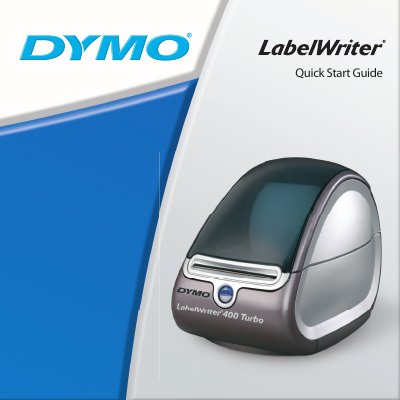
This guide walks you through installing the LabelWriter printer, connecting it to your computer, loading labels, and printing your first label. It includes instructions for Windows and Mac OS systems, as well as details on using DYMO Stamps™ for printing postage. The printer uses direct thermal technology and requires only labels as supplies.
The LabelWriter is a direct thermal printer that uses heat from a thermal print head to print on specially treated labels instead of ink or toner.
A flashing blue light means that labels are not loaded properly or the label spool is empty.
The power adapter accepts an input voltage of 100-240V.