
This is the Ergotron 45-240-257 arm installation manual, which introduces the installation method, adjustment method, ergonomics design, maintenance and safety precautions.
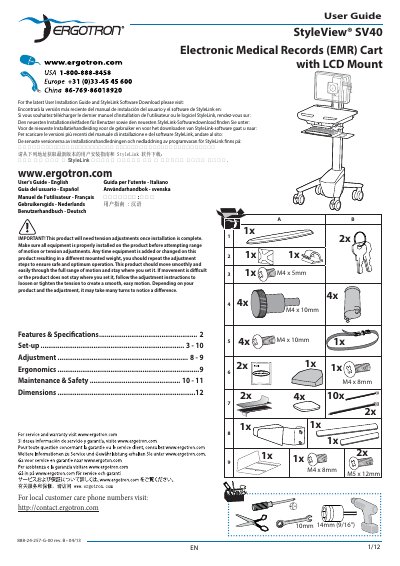
This manual provides step-by-step instructions for installing, adjusting, and maintaining the Ergotron StyleView® SV40 Electronic Medical Records Cart with LCD Mount. It covers setup procedures, height and tension adjustments, ergonomics, and safety precautions. The guide includes warnings for handling moving parts and weight limits to ensure safe operation.
The cart features a height-adjustable LCD mount, worksurface lock, cable management, and antimicrobial coating. It supports various mounting interfaces and has weight capacity limits depending on whether the LCD lift is independent or not.
| Weight Capacity (With Independent LCD Lift) | <14 lbs (6.4 kg) |
|---|---|
| Weight Capacity (Without Independent LCD Lift) | 20 lbs (9 kg) |
| Relative Humidity Range | 5-95% rH |
| LCD Mount Interface | 75x75mm or 100x100mm |
The weight capacity is less than 14 lbs (6.4 kg).
Adjust the tension by loosening or tightening the adjustment nut to create smooth, easy motion.