
This is an instruction manual that introduces the use method and precautions of the product. The maximum weight of the product is 31.8 kg.
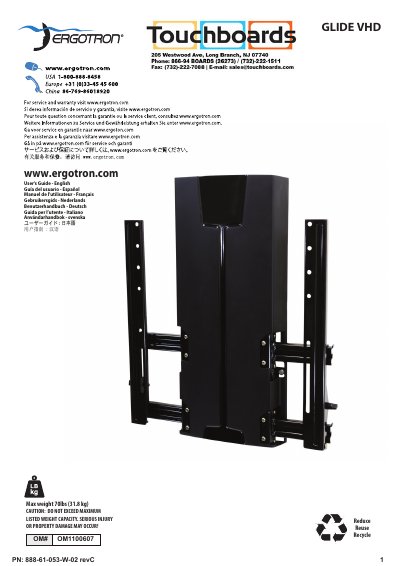
This guide provides installation instructions for the Ergotron Glide VHD monitor mount. It includes hardware specifications, mounting height guidelines, and safety warnings regarding weight capacity. The mount supports flat panels up to 65 inches and 70 lbs (31.8 kg) maximum weight.
Hardware includes various screws, spacers, lag bolts, and cable management components. Installation options are provided for different screen sizes and wall types, with detailed steps for attaching the monitor and adjusting height.
The maximum weight capacity is 70lbs (31.8 kg).
The mount supports flat panels from 45 to 70 inches.
You should locate the lowest set of mounting plate holes 42 inches from the floor.