
Key facts
- Manuals
- 12
- Languages
- ZH · EN
- Last added
- 2026-10-03
Featured Ergotron manuals
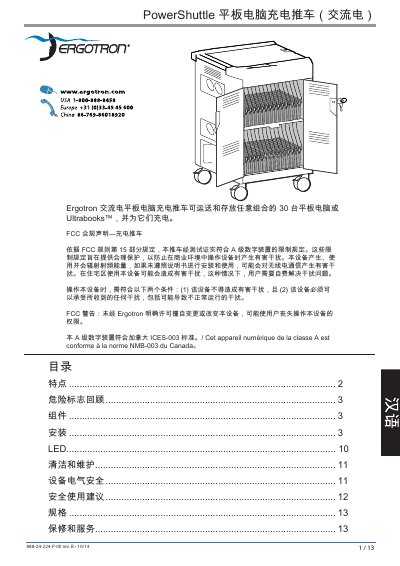
Ergotron PowerShuttle AC Tablet Charging Cart User Manual
The Ergotron PowerShuttle AC is a mobile charging cart designed to transport and charge up to 30 tablets or Ultrabooks. The manual provides detailed safety warnings, component descriptions, and step‑by‑step installation instructions.
It also lists electrical specifications, load capacities, dimensions, environmental limits, and warranty information, helping users operate and maintain the cart safely and efficiently. This manual is written in Chinese.
Covers: Features · Safety Symbols · Components · Installation · LED Indicators · Cleaning and Maintenance
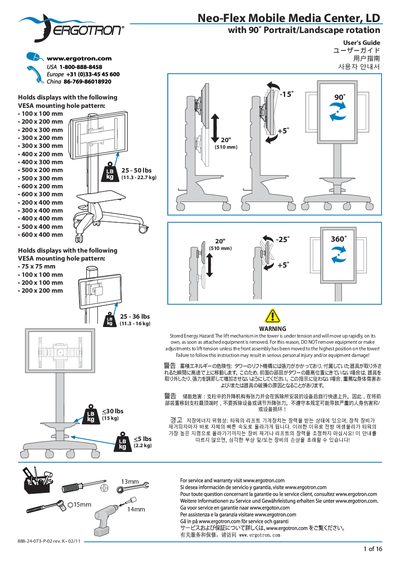
Ergotron Neo‑Flex Mobile Media Center LD User Manual
The Ergotron Neo‑Flex Mobile Media Center LD is a mobile cart designed to hold 20" displays and provide 90° portrait/landscape rotation. This manual covers mounting options, hardware installation, tension adjustment, and safety precautions.
Key sections explain the stored‑energy hazard of the lift mechanism, how to tighten or loosen tension safely, and proper procedures for moving the cart while ensuring stability and child safety.
Covers: Safety Warnings · Stored Energy Hazard · Mounting Hardware · Lift and Tilt Operation · Tension Adjustment · Cable Management
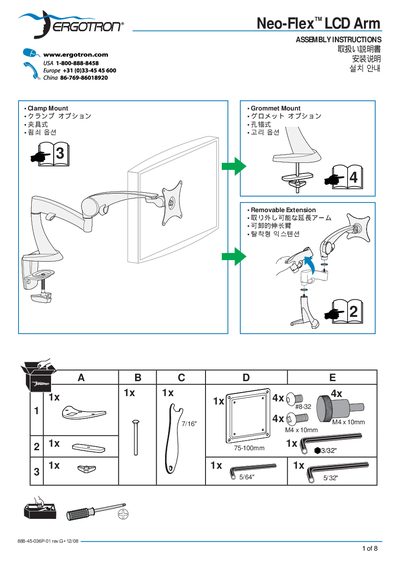
Ergotron Neo-Flex LCD Arm Assembly Instructions
The Neo‑Flex LCD Arm assembly guide provides detailed instructions for installing the arm on a workstation. It describes the four mounting configurations—clamp, grommet, edge, and top/bottom mounts—so users can select the method that best fits their desk or workstation.
The manual also covers the removable extension, cautions users to keep the display securely supported while adjusting height, and outlines Ergotron's warranty terms for the product.
Covers: Assembly Instructions · Removable Extension · Clamp Option · Edge Mount · Top/Bottom Mount · Grommet Option
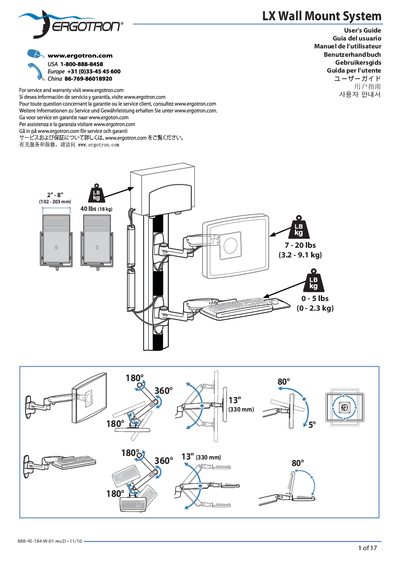
Ergotron LX Wall Mount System Installation Guide
This guide explains how to install the Ergotron LX Wall Mount System on a variety of wall surfaces. It includes tables of mounting heights for different monitor sizes, instructions for selecting appropriate fasteners, and required material thickness.
The document also covers ergonomic workstation setup, safety precautions such as ensuring the wall can support four times the mounted load, and maintenance tips like regular inspection of fasteners and proper tension adjustment of the lift mechanism.
Covers: User's Guide · Mounting Height Tables · Installation Cautions · Stud Finder and Material Requirements · Fastener Maintenance · Lift Adjustment
Latest Ergotron manuals
Ergotron PowerShuttle AC Tablet Charging Cart User Manual
User Manual 13 pages · 3.3 MB · ZHInstruction manual for the Ergotron PowerShuttle AC tablet charging cart, covering features, installation, safety, specs and maintenance.
Ergotron Neo‑Flex Mobile Media Center LD User Manual
User Manual 16 pages · 3.1 MB · ENInstallation, adjustment, and safety instructions for the Ergotron Neo‑Flex Mobile Media Center LD with 90° rotation.
ERGOTRON Neo-Flex Wall Mount Lift ASSEMBLY INSTRUCTIONS installation manual
Ergotron Neo-Flex LCD Arm Assembly Instructions
Installation Guide 8 pages · 3.3 MB · ENStep‑by‑step assembly guide for the Ergotron Neo‑Flex LCD Arm, covering mounting options, extension, and safety.
Ergotron LX Wall Mount System Installation Guide
Installation Guide 17 pages · 3.9 MB · ENThe Ergotron LX Wall Mount System Installation Guide provides mounting height tables, safety warnings, and ergonomic setup instructions.
Ergotron LX Keyboard Arm Installation Guide
Installation Guide 13 pages · 3.2 MB · ENInstallation guide for the Ergotron LX Keyboard Arm wall‑mount, with step‑by‑step assembly instructions and safety warnings.
Ergotron LX Wall Mount Assembly Instructions
Installation Guide 19 pages · ENInstallation guide for the Ergotron LX Wall Mount, covering mounting options, height adjustments, and troubleshooting.
ERGOTRON Neo-Flex Wall Mount Lift Manual
Ergotron StyleView SV42 User Manual
User Manual 19 pages · 5.2 MB · ENThe Ergotron StyleView SV42 User Manual provides installation, operation, safety, and maintenance instructions for the mobile monitor.
Ergotron LX Wall Mount System User Manual
User Manual 17 pages · 3.9 MB · ENThe Ergotron LX Wall Mount System User Manual provides installation steps, mounting height tables, ergonomic setup tips, and safety cautions.
Ergotron styleView HD Combo System User Manual
User Manual 24 pages · 6 MB · ENThe Ergotron styleView HD Combo System User Manual provides installation, ergonomic setup, and safety guidelines for mounting and using the HD Combo arm.
Ergotron StyleView SV32 LCD Trolley User Manual
User Manual 21 pages · ENThe Ergotron StyleView SV32 LCD trolley user guide covers installation, wiring, power, battery, ergonomics and safety.
Which document do I need?
User Manual
Day-to-day operation, settings and troubleshooting. Start here if the product is already set up.
Installation Guide
Mounting, wiring and first power-up. Read it before the hardware goes in.
Questions answered in Ergotron manuals
How many tablets can the PowerShuttle AC hold?
The cart can transport and store up to 30 tablets or Ultrabooks.
From: Ergotron PowerShuttle AC Tablet Charging Cart User Manual
What is the maximum load for the top work surface?
The top work surface can support up to 11.3 kg (25 lb).
From: Ergotron PowerShuttle AC Tablet Charging Cart User Manual
What mounting options are available for the Neo‑Flex LCD Arm?
The arm can be installed using a clamp mount, grommet mount, edge mount, or a top/bottom mount.
How should the display be supported while adjusting the arm height?
The display must be firmly supported to prevent it from slipping during height adjustment.
What is the required minimum material thickness for the wall?
The wall material must be at least 16 mm (5/8") thick.
How should I adjust the mounting height if I do not use an extension?
Add 89 mm (3.5") to the mounting height shown in the table.