
describes the StyleView Vertical Lift Patient Room, which can raise and lower the monitor to reduce strain on the neck and back
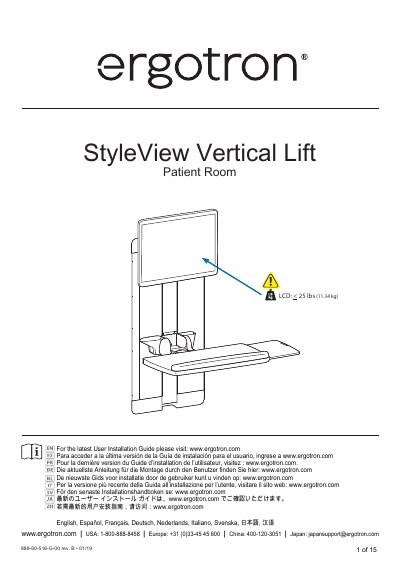
This document provides installation instructions for the Ergotron StyleView Vertical Lift Patient Room. It includes a wall mounting height equation to determine the correct position for the mounting screw pattern based on whether the system is used for sitting or standing applications. The guide also specifies the required pilot hole dimensions and hardware lists.
| LCD Weight Capacity | < 25 lbs (11.34 kg) |
|---|---|
| Sitting Mounting Height | 52.00 (1321MM) - X = H |
| Standing Mounting Height | 67.50 (1715MM) - X = H |
| Maximum Keyboard Depth with Wrist Rest | 8-1/8" (206 mm) |
| Maximum Keyboard Depth without Wrist Rest | 9-1/2" (241mm) |
| Maximum Dimension A for Keyboard Clearance | 6-5/8" (168 mm) |
Subtract the distance from the top of the monitor screen to the center of the mounting screw pattern (X) from 52.00 inches (1321mm) to get H.
Subtract the distance from the top of the monitor screen to the center of the mounting screw pattern (X) from 67.50 inches (1715mm) to get H.
The keyboard should not be more than 8-1/8 inches (206 mm) deep.