
Ergotron 888-61-101 Neo-Flex Slide-out Keyboard Tray Wall Mount User's Guide

This is a user manual for Neo-Flex Slide-out Keyboard Tray Wall Mount.
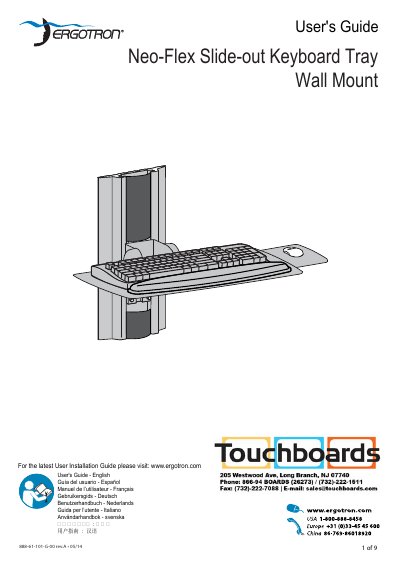

Ergotron 888-61-101 Neo-Flex Slide-out Keyboard Tray Wall Mount User's Guide - cover page
Brand
Ergotron
Category
Office Equipment
Document type
User Manual
Language
English
Pages
9
File format
PDF
File size
965 KB
Published
18 October, 2023
Updated
18 October, 2023
MD5 checksum
90840ED62882AEF35654CE28F7A82666

About this manual

This document is the User's Guide for the Ergotron 888-61-101 Neo-Flex Slide-out Keyboard Tray Wall Mount. It includes multilingual support and directs users to the Ergotron website for the latest version. The guide emphasizes ergonomic workstation setup, recommending specific heights and angles for screens and keyboards to reduce fatigue.

What's inside

  • Ergonomic Mounting Height
  • Wall Mounting Options
  • Attach to Wall Studs
  • Attach to Hollow Wall
  • Attach to Concrete
  • Attach Keyboard Tray
  • Range of Motion
  • Attach Cable Management
  • Attach Mouse Pouch

Specifications

Screen Distanceat least 20" (508mm)
Keyboard Tilt10°
Wall Thickness Requirementminimum 5/8" (16 mm)
Concrete Hole Depth3-1/8" (80 mm)

Frequently asked questions

How often should I take breaks to reduce fatigue?

You should take 2 to 3 minutes every 20 minutes and 15 to 20 minutes every 2 hours.

What is the minimum wall thickness required for installation?

The wall material must require a minimum thickness of 5/8" (16 mm).

How deep must the mounting holes be for concrete walls?

Mounting holes must be at least 3-1/8" (80mm) deep and located within solid concrete.

Download PDF (965 KB)

More Ergotron Manuals


View all Ergotron manuals →