
This document is a user manual for StyleView® SV44. It introduces its features, specifications, assembly, adjustment, battery charge/discharge, auto-lock drawer, change fuse and reset circuit breakers, change power system batteries, cart storage (long term/short term), ergonomics and maintenance & safety.
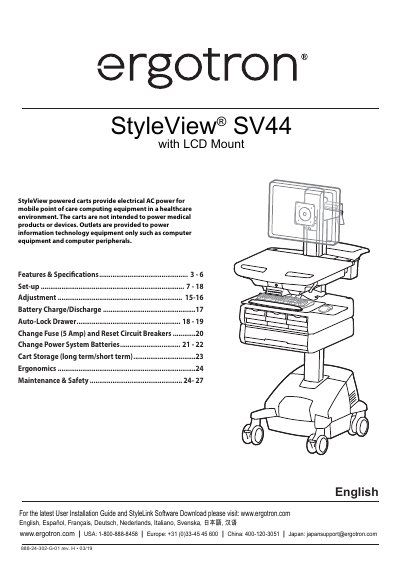
The Ergotron StyleView SV44 is a powered mobile cart designed for mobile point-of-care computing in healthcare settings. It features an integrated AC power system with two 33 Ah batteries, allowing the power supply to travel with the cart. The cart includes an adjustable worksurface, keyboard tray, and various storage compartments for laptops, CPUs, and peripherals. It is certified to UL 60601 and CAN/CSA-C22.2 601.1-M90 standards.
The guide covers features and specifications, including weight capacities for different drawer configurations and the power system's operational temperature ranges. It details the set-up process, including connecting USB devices, mounting an LCD monitor, and routing power cables. The manual also provides instructions for adjusting the cart's height and tension, charging the batteries, and performing maintenance tasks such as changing fuses and batteries.
| Battery Type | Two 33 Ah Sealed Lead Acid, Absorbed Glass Mat, 12VDC |
|---|---|
| Operational Temperature | 10°C (50°F) to 29°C (86°F) |
| Storage Temperature | -20°C (-4°F) to 50°C (122°F) |
| Certification | UL 60601 and CAN/CSA-C22.2 601.1-M90 |
| Power Input (US) | 120VAC/60 Hz, 5.1A |
| Power Output | 120VAC/60 Hz, 400VA/300W |
The recommended cart storage temperature is 15°C (59°F) to minimize battery age-related capacity loss.
No, the barcode scanner should be connected directly to the computer USB port, not the USB Hub.
The CPU must be mounted to the rear of the cart using the Universal CPU Holder accessory.