
Ergotron Interactive LD LCD Arm Extension User Guide

This user guide provides installation instructions, safety warnings, and adjustment procedures for the Ergotron Interactive LD LCD Arm Extension.
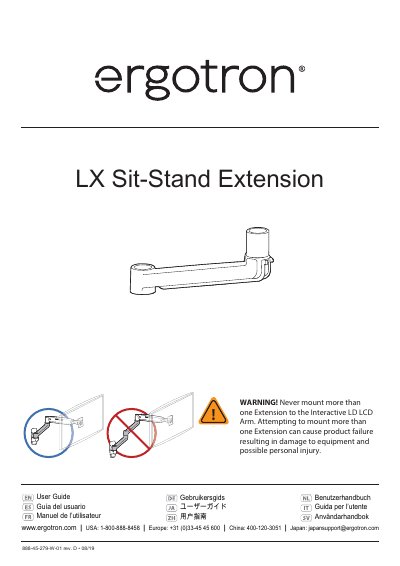

Ergotron Interactive LD LCD Arm Extension User Guide - cover page
Brand
Ergotron
Category
Other Computer Accessories
Document type
User Manual
Language
English
Pages
9
File format
PDF
File size
2 MB
Published
30 October, 2026
Updated
30 October, 2026
MD5 checksum
168A664F8F8B643E5B9621AFA7347987

About this manual

This document is the user guide for the Ergotron Interactive LD LCD Arm Extension, model 888-45-279-W-01. It provides multilingual instructions for installing the extension onto the Interactive LD LCD Arm and mounting a TV or monitor to the arm. The guide includes diagrams showing the required hardware and steps for assembly.

What's inside

  • Safety Warnings
  • Tension Adjustments
  • Remove TV/Monitor from Arm
  • Mount extension and arm to wall bracket
  • Mount TV/Monitor to Arm
  • Organize and route cables
  • Range of Motion

Specifications

Maximum Load25 lbs (11.3 kg)
Maximum Extension Length20" (508 mm)

Frequently asked questions

How often should I adjust the tension?

You should adjust the tension once installation is complete and whenever equipment is added or changed on the product.

Can I mount more than one Extension to the Interactive LD LCD Arm?

No, attempting to mount more than one Extension can cause product failure and possible personal injury.

Download PDF (2 MB)

More Ergotron Manuals


View all Ergotron manuals →