
This instruction sheet provides information about DOP-107WV. Please read through this manual carefully in order to ensure the correct use of the product.
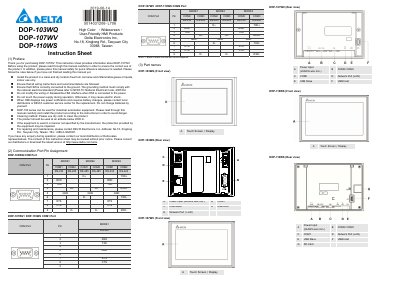
This manual provides installation instructions, wiring details, and technical specifications for the Delta DOP-107WV HMI. It includes safety guidelines such as proper grounding, avoiding power manipulation, and using dry cloth for cleaning. The device supports RS-232, RS-485, and RS-422 communication ports and features a 7" TFT LCD with 800 x 480 resolution. It operates within 0°C to 50°C and is rated IP65 for panel mounting. Maintenance and repairs should be handled by authorized Delta service centers. This manual is written in Chinese.
| Display Size | 154.08 x 85.92 mm |
|---|---|
| Resolution | 800 x 480 pixels |
| Backlight Half-Life | Less than 20,000 hours at 25°C |
| Operation Temperature | 0°C to 50°C |
| Power Consumption | 8.4W (Max) |
| Backup Battery | 3V lithium battery CR2032 × 1 |
| Ethernet Interface | 10/100 Mbps Auto sensing |
| CPU | ARM Cortex-A8 (800MHz) |
| Flash ROM | 256 Mbytes |
| RAM | 512 Mbytes |
The display size is 154.08 x 85.92 mm.
The maximum power consumption is 8.4W.
The operating temperature range is 0°C to 50°C.