
The manual provides safety warnings, installation dimensions, wiring, sensor options, control modes, alarm settings, and RS‑485 communication for Delta DTK…
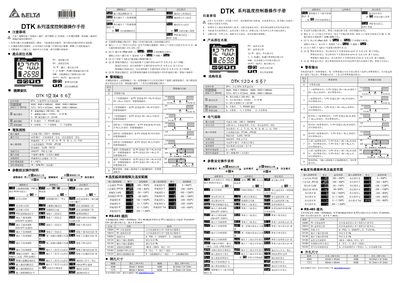
This operation manual begins with safety precautions and installation guidelines, emphasizing proper enclosure, power‑off procedures, and protection against dust, moisture and electric shock. It also lists panel cutout dimensions for the various DTK models.
The document then details the controller’s features: selectable output types (relay, voltage pulse, DC current), communication options (RS‑485 Modbus), alarm configurations with nine modes, supported temperature sensors and their ranges, and the PID/ON‑OFF/manual control methods. Parameter‑setting instructions and register maps for RS‑485 communication are also included.
| Panel Sizes | W48×H48 mm, W48×H96 mm, W72×H72 mm, W96×H96 mm |
|---|---|
| Communication Option | RS‑485 Modbus ASCII/RTU, 2400‑38400 bps |
| Alarm Option | 0 = none, 1 = one alarm group, 2 = two alarm groups |
| Supported Temperature Sensors | Thermocouples K,J,T,E,N,R,S,B,L,U,TXK; Pt100, JPt100, Cu50, Ni120 |
| Sampling Rate | 0.1 s |
| Ambient Temperature Range | 0 °C to +50 °C |
| Ambient Humidity Range | 35 % to 80 % RH (non‑condensing) |
It offers up to two alarm outputs, each with nine selectable modes such as upper/lower limit, absolute value, hysteresis, and offline alarm.
Press the sigma () key to adjust the target temperature.
The controller supports Modbus ASCII/RTU over RS‑485 with baud rates from 2,400 to 38,400 bps.
It accepts thermocouple types K, J, T, E, N, R, S, B, L, U, TXK and platinum RTDs such as Pt100 and JPt100.