
Detailed user manual for the Delta AIC08A101 temperature controller covering inputs, outputs, control modes, alarms, RS‑485 communication and troubleshooting.
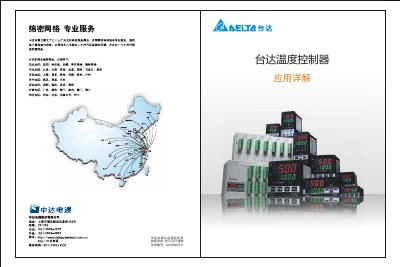
The Delta AIC08A101 temperature controller supports a full range of temperature sensors, including Pt100, thermocouples and analog inputs. It provides multiple output options such as relay (250 VAC / 5 A), voltage pulse (+14 V), solid‑state relay, 4‑20 mA and 0‑10 V analog signals, allowing flexible integration with heaters, valves and drives.
The manual explains PID, ON/OFF, manual and program control methods, self‑tuning, RS‑485 communication with PLCs, DTCOM/DTE software usage, factory‑reset procedures and includes real‑world application cases and a comprehensive fault‑diagnosis guide. This manual is written in Chinese.
| Relay output rating | 250 VAC / 5 A |
|---|---|
| Voltage pulse output level | +14 V |
| Supported sensor types | Pt100 (2‑wire, 3‑wire), thermocouples, analog voltage |
| Communication interface | RS‑485 |
Use the factory‑reset procedure described in section 8, selecting the appropriate reset option for the DTA, DTB, DTC or DTE series.
The controller can generate DTE alarms, over‑temperature alarms, heater‑break alarms and program‑control alarms.
The relay output is rated for up to 5 A at 250 VAC.