
This document is the operating manual for the Kyocera ECOSYS P2040dn ECOSYS P2040dw printer, which introduces the operation method and maintenance method of the printer.
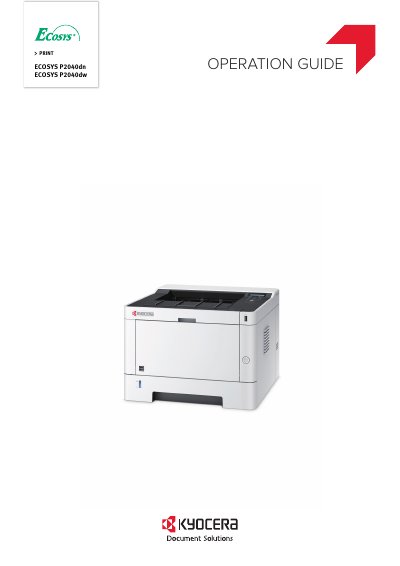
This manual provides step-by-step instructions for installing, configuring, and operating the Kyocera ECOSYS P2040dn and P2040dw printers. It includes sections on connecting cables, setting up networks, printing from PCs and USB devices, managing user accounts, and troubleshooting common issues. Maintenance tasks such as cleaning and toner replacement are also covered.
The guide emphasizes energy-saving features, security settings, and paper-saving options to optimize printer performance and reduce costs.
The Energy Saver function automatically switches the machine into Sleep Mode to save energy.
You should use the EcoPrint function when a high-quality print is not required.
You can make the machine quiet by reducing its running noise using Quiet Mode.