
This file is the manual for a flight simulator accessory, which introduces how to install and use the product.
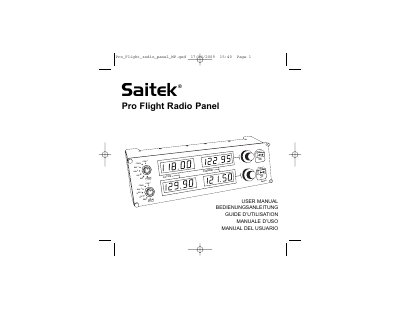
The Saitek Pro Flight Radio Panel is an external device designed to interact with Microsoft Flight Simulator X. It allows users to control cockpit radio stack communications and navigation frequencies via a physical interface connected through a USB cable.
To install the panel, fix it to the supplied mounting bracket using the provided screws. For software setup on Windows XP, Vista, or XP64, insert the Installation CD and run the setup wizard to install the necessary drivers. Once installed, the LED screen will light up when opened in Microsoft FS X.
Press the ACT/STBY switch to move the input values from the standby section to the active section.
Unplug the USB cable and plug it back in.