
This is a user guide that introduces the use of the Saitek Cyborg Rumble Pad
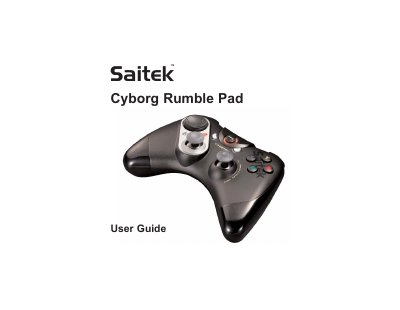
The Saitek Cyborg Rumble Pad is a gaming controller featuring buttons, triggers, joysticks, and a switchable rotor module for the D-pad and left analog stick. It supports two playing modes: Classic mode, where triggers function as buttons, and X mode, where triggers function as analog axes for modern driving and FPS games. The device also includes a precision button control feature to decrease axis sensitivity for more accurate aiming.
The pad offers Classic mode, where triggers act as buttons, and X mode, where triggers function as analog axes.
You can switch to X mode by checking the 'Enable XBOX360 button mapping mode' option in the Analog Buttons tab of the Properties window.
Pressing the FPS button automatically sets up the pad's controls for commands found in most current First Person Shooter games.