
This document is the user manual of Saitek W300 Face Tracking Webcam
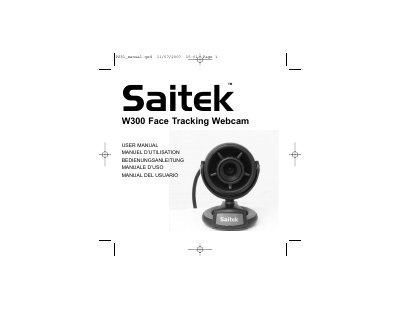
The document is a user guide for the Saitek W300 Face Tracking Webcam. It details system compatibility with Windows 2000/XP/Vista and outlines the steps to install drivers and application software from the included CD before connecting the device via USB.
The manual also covers technical support resources, directing users to the official website or local support centers for troubleshooting. Additionally, it specifies a two-year warranty period and lists conditions under which the warranty is valid, including exclusions for damage caused by misuse or unauthorized repairs.
The webcam is compatible with PCs running Windows 2000, XP, XP64, or Vista.
You must install the driver software from the CD before connecting the camera to your computer.
The warranty period is 2 years from the date of purchase, provided proof of purchase is submitted.