
Saitek Cyborg V.1 Flight Stick User Manual

This is a user manual of a Saitek Cyborg V.1 Flight Stick.
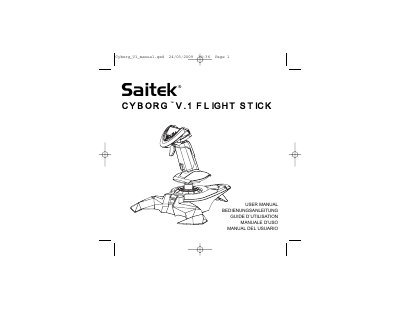

Saitek Cyborg V.1 Flight Stick User Manual - cover page
Brand
Saitek
Category
Other Computer Accessories
Document type
User Manual
Language
English
Pages
13
File format
PDF
File size
450 KB
Published
16 October, 2023
Updated
16 October, 2023
MD5 checksum
30065F21B001552B475F962A663E64D9

About this manual

The document serves as a user guide for the Saitek Cyborg V.1 Flight Stick. It details how to install the device on Windows XP, Vista, and XP64 systems by connecting the USB cable and running the installation wizard. Users can verify the controller functionality through the Windows Control Panel.

What's inside

  • Installation
  • Programming your Cyborg V.1 Flight Stick
  • Technical Support
  • Conditions of Warranty

Frequently asked questions

How do I install the Saitek Cyborg V.1 Flight Stick?

Insert the stick's USB cable into a PC USB port and follow the device installation wizard to complete the setup.

How can I program the buttons and axes?

Use Saitek's SST programming software, which is downloaded from www.saitek.com/uk/down/drivers.php.

What is the warranty period for this product?

The warranty covers a period of 2 years from the date of purchase, provided proof of purchase is submitted.

Download PDF (450 KB)

More Saitek Manuals


View all Saitek manuals →