
This file is the user manual for Saitek Expression USB speakers.
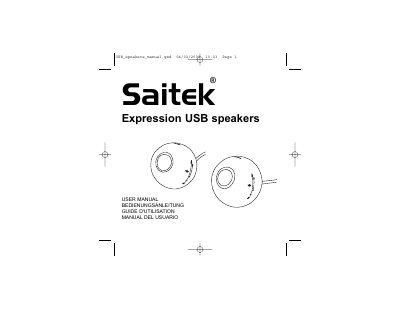
The Saitek Expression USB speakers are stereo speakers designed for listening to music or playing games on a PC or Laptop. They are powered directly by the USB cable connection and require no separate power source, operating only when plugged into a computer. The manual covers system compatibility, connection steps, and basic operation.
| System Compatibility | Windows 2000/XP/XP64/Vista/Mac OS X |
|---|---|
| Power Source | USB cable connection |
| Warranty Period | 2 years |
No, the speakers do not have a separate volume control; volume must be adjusted on the PC.
First visit the website www.saitek.com for technical support before contacting the support team.