
Key facts
- Brand
- Saitek
- Model
- CYBORG V.1
- Documents
- 2
- Languages
- EN
- Last added
- 2023-10-16
Start here
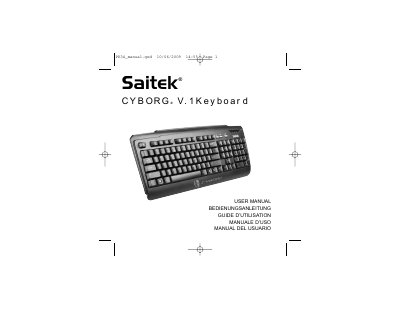
Saitek Cyborg V.1 Keyboard User Manual
The document serves as a user guide for the Saitek Cyborg V.1 keyboard, detailing software installation procedures for Windows XP, XP64, and Vista operating systems. It explains how to install drivers and programming software via an included CD-ROM drive.
Key features highlighted include fully programmable function keys that can be locked using the Windows key to prevent accidental interruptions during gameplay. The manual also covers technical support resources and outlines a two-year warranty policy with specific conditions regarding usage, damage, and battery leakage.
All Saitek CYBORG V.1 documents by type
Day-to-day operation, settings and troubleshooting. Start here if the product is already set up.
Questions answered in these manuals
Which operating systems are compatible with this keyboard?
The keyboard is compatible with PCs running Windows XP, XP64, and Vista.
How long does the warranty period last for this product?
The warranty period is 2 years from the date of purchase with proof submitted.
How do I install the Saitek Cyborg V.1 Flight Stick?
Insert the stick's USB cable into a PC USB port and follow the device installation wizard to complete the setup.
How can I program the buttons and axes?
Use Saitek's SST programming software, which is downloaded from www.saitek.com/uk/down/drivers.php.