
This document introduces the package contents, system requirements, network topology requirements, hardware overview, installation process, and other information of Ubiquiti Networks, Inc.'s UniFi™ AP-PRO and AP-AC wireless access points.
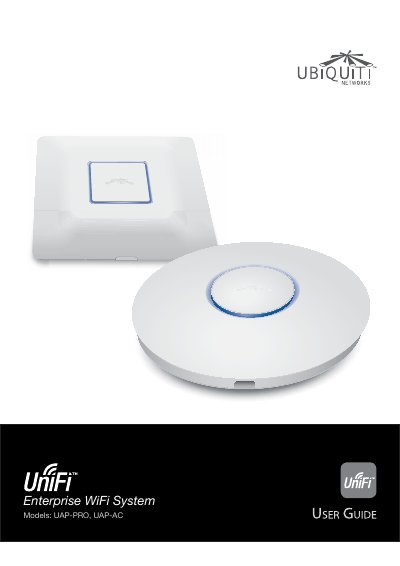
The document serves as a comprehensive user manual for the Ubiquiti Networks UniFi AP-PRO (UAP-PRO) and UniFi AP-AC (UAP-AC) enterprise WiFi system models. It details hardware installation procedures for both wall and ceiling mounting, including specific requirements for power over Ethernet (PoE) adapters and switches compatible with each model.
The guide explains how to use the included UniFi Controller software via a web browser to manage wireless networks. Key topics include configuring access points, managing users and guests, viewing statistics on client usage, customizing hotspot portals, and troubleshooting device status indicators.
| Wi-Fi Standards (AP-PRO) | 802.11a/b/g/n |
|---|---|
| Wi-Fi Standards (AP-AC) | 802.11a/b/g/n/ac |
| Power Requirement (AP-PRO) | 48V, 802.3af compliant switch |
| Power Requirement (AP-AC) | PoE+ 802.3at compliant switch |
The guide is for use with version 2.4 or above of the UniFi Controller software.
Press and hold the Reset button for more than 5 seconds.
A flashing white LED indicates that the device is initializing.