
This is a Ubiquiti Networks® Rocket®5ac Lite quick start guide, covering product packaging, installation requirements, hardware overview and more.
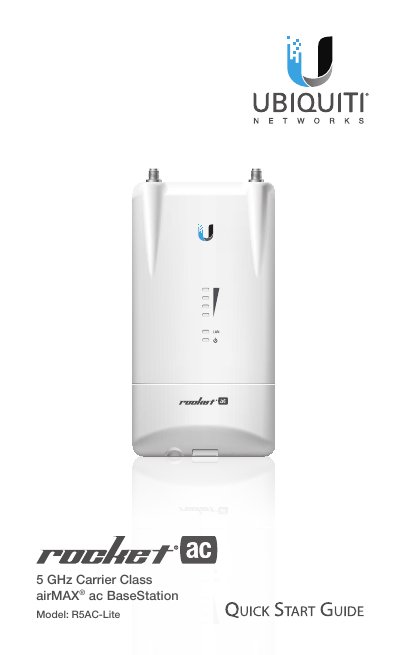
This document serves as a Quick Start Guide for the Ubiquiti Networks Rocket5ac Lite (Model R5AC-Lite), a 5 GHz Carrier Class airMAX ac BaseStation. It details the package contents, installation requirements, and hardware overview, emphasizing that professional installation with shielded cabling is required for warranty compliance.
The guide provides step-by-step instructions for mounting the device on either a RocketDish or Sector antenna, connecting Power over Ethernet (PoE), and accessing the airOS configuration interface via web browser. It includes specific default IP addresses, login credentials, and LED status indicators.
| Dimensions | 162 x 84 x 37 mm (6.4 x 3.3 x 1.5") |
|---|---|
| Weight | 250 g (8.82 oz) |
| Networking Interface | (1) 10/100/1000 Ethernet Port |
| RF Connectors | (2) RP‑SMA (Waterproof) |
| Max. Power Consumption | 8.5W |
| Power Supply | 24V, 0.5A Gigabit PoE Adapter (Included) |
| Operating Temperature | -40 to 80° C (-40 to 176° F) |
| Operating Humidity | 5 to 95% Noncondensing |
| Operating Frequency (USA) | U‑NII‑1 U‑NII‑2A U‑NII‑2C U‑NII‑3 |
The default IP address to access the interface is https://192.168.1.20.
The default username is 'ubnt' and the password field should also be entered as 'ubnt'.
Press and hold the Reset button for more than 10 seconds while the device is powered on.