
Describes the manual range check for Frsky 2.4GHz ACCST X8R
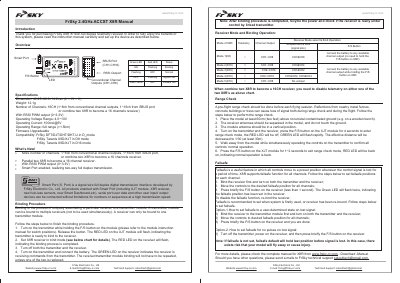
This document serves as a quick guide for the FrSky X8R 8/16ch full duplex telemetry receiver. It details the procedure for conducting a pre-flight range check to ensure signal integrity, including specific steps for positioning the model and operating the F/S button on the XJT module. The guide also explains how to configure failsafe positions for all channels to ensure safety in case of signal loss.
| Number of Channels | 16CH |
|---|---|
| Operating Voltage Range | 4.0~10V |
| Operating Current | 100mA@5V |
| Operating Range | >1.5km |
| Weight | 12.1g |
| Dimension | 46.25×26.6×14.2mm |
The GREEN LED on the receiver will be ON.
The model must be placed at least 60cm (two feet) above non-metal contaminated ground.
Press and hold the F/S button on the XJT module for 4 seconds.
You must re-bind the receiver to the transmitter module.