
FrSky RB-20 is a high-performance multi-function unit with integrated S.Port telemetry feedbacks (voltage, current, capacity, overload indication, etc.), support high voltage servos and overload protection on each channel.
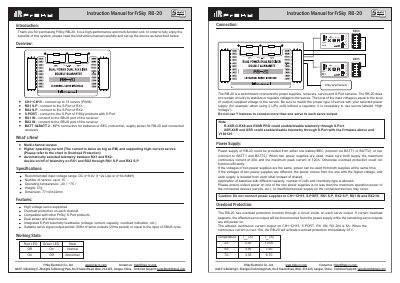
The FrSky RB-20 is a high-performance multi-function switchboard designed for remote control model systems. It supports connections for up to 15 servos and features overload protection on each channel. The device includes integrated S.Port telemetry feedbacks that transmit voltage, current, capacity, and overload indications in real-time. This manual is written in Chinese.
| Recommended input voltage range | DC 4~8.4V (1~2s Lipo or 4~6s NiMH) |
|---|---|
| Number of servos supported | up to 15 |
| Operating temperature | -20°C~75°C |
| Weight | 37g |
| Dimensions | 77×43×22mm |
The allowed continuous current output on CH1~CH15, S.PORT, RX 1IN, RX 2IN is 5A.
When the continuous current is over 10A, the RB-20 will activate overload protection immediately.
Yes, if voltages are different, power comes from the one with the higher voltage; if same, both can be used.
No, it does not contain circuitry to stabilize or regulate voltage; input voltage level equals output supplied voltage.