
The Canon SELPHY CP1200 user manual provides setup, safety, USB/Wi‑Fi printing, troubleshooting and maintenance instructions for the small photo printer.
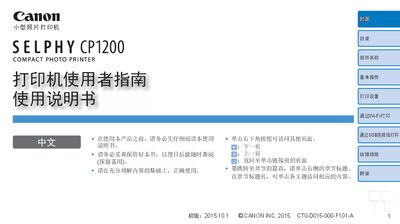
This manual explains how to prepare the SELPHY CP1200, install ink and paper, and operate the printer using its built‑in LCD controls. It covers basic operation, printing settings, USB and Wi‑Fi printing, and how to print photos, postcards and labels.
Safety guidelines, recommended Canon ink and paper combinations, troubleshooting steps, and specifications are included to help users avoid damage and achieve optimal print quality. This manual is written in Chinese.
| Paper tray capacity | 18 sheets |
|---|---|
| Power adapter model | CA-CP200 B |
The paper tray can hold up to 18 sheets of paper.
Use Canon original color ink and paper combinations recommended for the SELPHY CP1200.