
Canon FAXPHONE L100 Basic Operation Guide

This is a basic operation guide that introduces the basic use of copy, fax, and print functions.
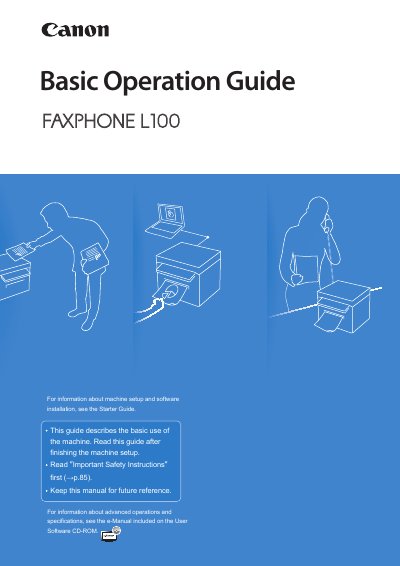

Canon FAXPHONE L100 Basic Operation Guide - cover page
Brand
Canon
Category
Office Equipment
Document type
User Manual
Language
English
Pages
96
File format
PDF
File size
5.7 MB
Published
15 October, 2023
Updated
15 October, 2023
MD5 checksum
79A2327B92E26300185F27A91EE7F4DF

About this manual

This document serves as the Basic Operation Guide for the Canon FAXPHONE L100 multifunction machine. It is intended to be read after the initial machine setup and software installation, which are described in the separate Starter Guide. The guide focuses on common daily operations rather than advanced configurations or detailed specifications.

What's inside

  • Learn the Names and Functions of Each Part of the Machine
  • Learn the Functions of the Operation Panel
  • Switch between Copy and Fax Mode
  • Enter Text
  • Set Date and Time
  • Load Documents in the Feeder
  • Load Paper
  • Make a Basic Copy
  • Print a Document
  • Send a Fax

Frequently asked questions

What is the purpose of this Basic Operation Guide?

This guide describes the basic use of the machine and should be read after finishing the setup.

Where can I find information about setting up the machine?

You must read the Starter Guide to describe setting up the machine and installing the software before using it.

What functions does this manual cover?

This guide covers common use and basic functions of copy, fax, and print operations.

Download PDF (5.7 MB)

More Canon Manuals


View all Canon manuals →