
Introduces the basic operations of Canon FAXPHONE L170, including setting, installing driver, using instructions, maintenance and troubleshooting
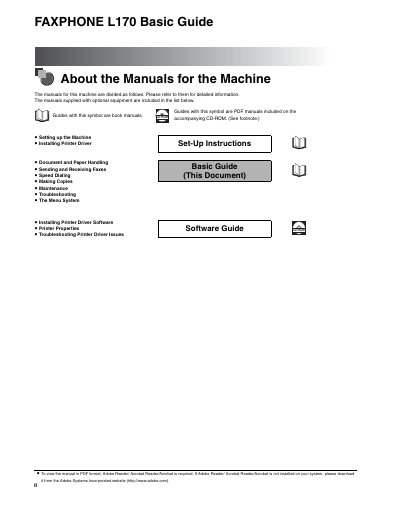
The document serves as a specific section of the larger user manual set, focusing exclusively on the 'Speed Dialing' function. It explains how to utilize this feature to quickly transmit faxes to frequently used numbers without manually entering digits each time.
The guide covers the operational procedures for setting up speed dial entries and executing transmissions using these stored numbers. It is designed for end-users operating the Canon FAXPHONE L170 machine.
The machine must stay between 50°F and 90.5°F (10°C and 32.5°C).
It must be plugged into a standard 120 V AC, 60 Hz, three-prong grounded outlet.
The machine must be approximately 4 inches (10 cm) away from walls and other equipment.