
Describes the basic use of the machine
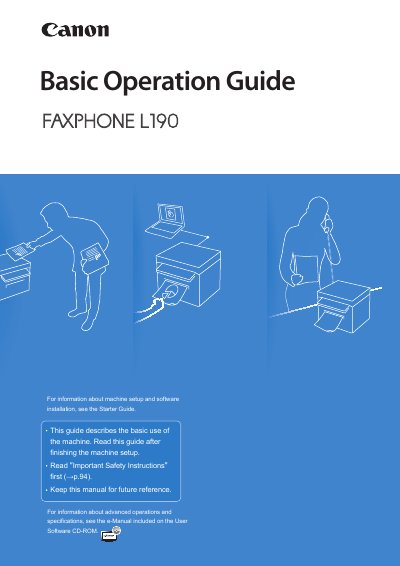
The Canon FAXPHONE L190 is a multifunction machine capable of copying, faxing, and printing. This Basic Operation Guide describes common use and basic functions after initial machine setup and software installation have been completed.
The manual provides detailed instructions on operating the control panel, managing paper settings, performing copy and print tasks (including double-sided and booklet printing), sending and receiving faxes, and conducting routine maintenance such as cleaning and toner replacement.
| Product Type | Copy, fax, and print functions |
|---|
The Starter Guide describes setting up the machine and installing the software and must be read before using the machine.
Information about advanced operations and specifications is included on the User Software CD-ROM in the e-Manual.
The e-Manual includes information about all functions and configurations of the machine.